Every Byte Matters.
Find & Remove Duplicate Files From Your PCSupports 550+ File Formats
Finds duplicate photos, videos, audio, documents, archives, executables, databases, and 550+ file formats — plus cleans system junk. One scan, real space back.
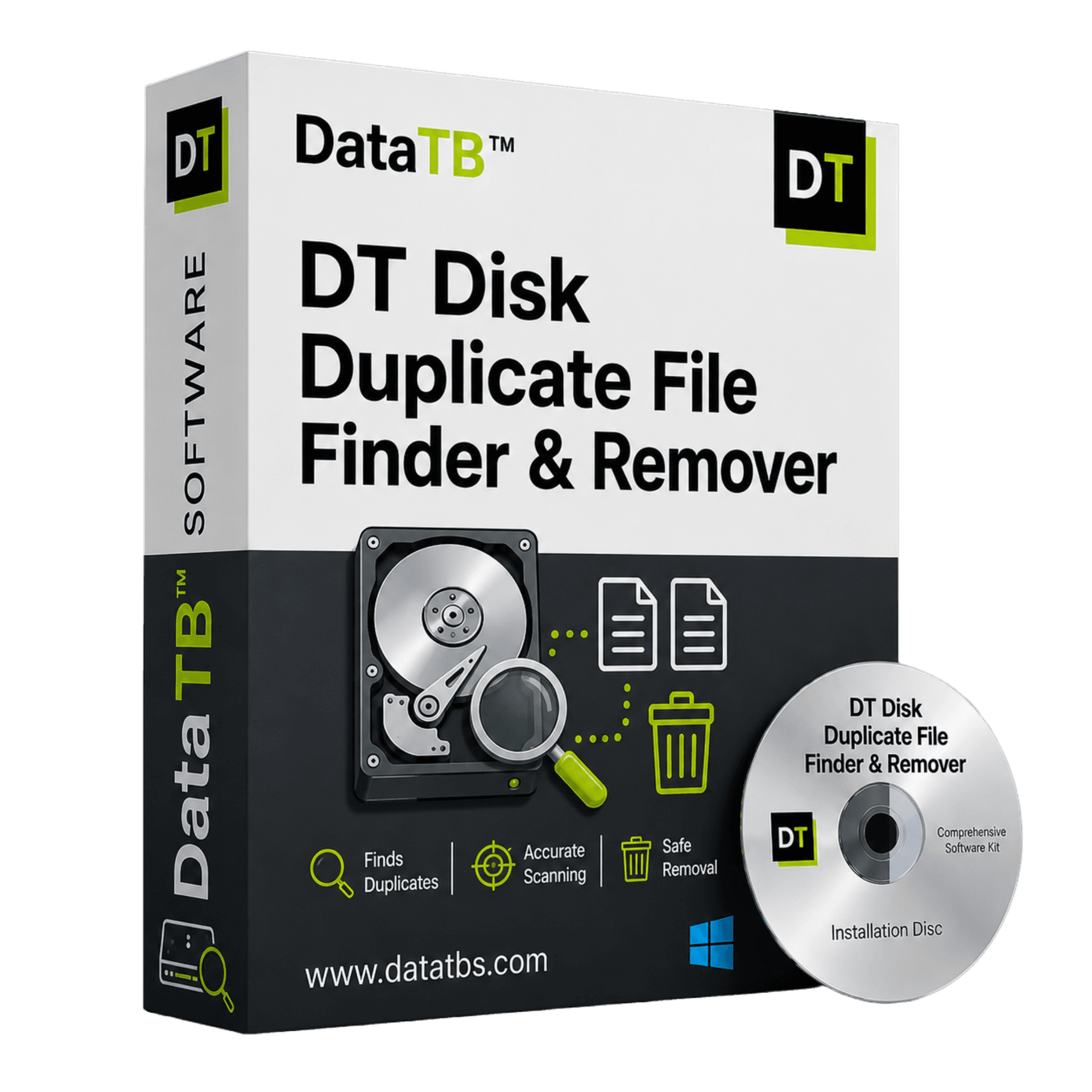
Your Hard Drive Isn't Full.
It's Repeating Itself.
Every Windows PC accumulates the same kind of clutter over time: photos copied twice during a phone backup, downloaded files saved again because the first copy couldn't be found, project folders duplicated "just in case" before a big edit, software installers left behind in three different download folders, email attachments saved locally and then re-saved when forwarded.
None of it looks like a big deal file by file. But multiply that pattern across years of downloads, backups, and copy-paste habits, and a huge share of "used" disk space turns out to be files already sitting somewhere else on the same drive, under a different name, in a folder that's been forgotten.
Why Windows Search Fails
Windows' built-in search matches files by name, not by content — two identical photos saved as IMG_2044.jpg and IMG_2044 (1).jpg show up as two separate results, and two files with completely different names but identical content don't get flagged at all.
Checking file-by-file across an entire drive isn't realistic once a PC has more than a few hundred files — and most PCs hold hundreds of thousands.
One Scan. Your Entire Disk.
Every File Format That Matters.
DT Disk Duplicate Finder & Remover scans an entire Windows PC — every internal drive, every partition — and compares files by actual content, not just file name, across 550+ supported file formats.
Documents
DOCX, PDF, XLSX, PPTX, TXT, RTF, and more
Images
JPG, PNG, HEIC, RAW formats, GIF, TIFF, and more
Videos
MP4, MOV, AVI, MKV, WMV, and more
Audio
MP3, WAV, FLAC, AAC, M4A, and more
Archives
ZIP, RAR, 7Z, TAR, and more
Databases
SQL, DB, MDB, and more
Executables
EXE, MSI, DLL, and more
Development files
Source code, config files, project files
Everything else
A dedicated 'Other' category catches anything outside standard groups
Most duplicate finders on the market cover photos and documents well and stop there. DT Disk Duplicate Finder treats all 550+ formats as first-class citizens, each individually filterable, so a scan can be as broad or as targeted as needed.
From Cluttered Drive to Clean Drive in 5 Steps
The free demo runs every one of these steps in full, including a complete scan and complete results — removal is the one action reserved for the full version.
See Your Storage at a Glance
Open the app and instantly see a full breakdown of the selected drive: total capacity, used vs. free space on a clear donut chart, the largest folders eating up space, and a breakdown of exactly which file types are taking up the most room.
Choose Your Target Disk & File Types
Pick which drive to scan, then narrow the scan to specific file categories — Documents, Images, Videos, Audio, Archives, Databases, Executables, Emails, Development files, or Other — or leave it on 'All Files' for a full sweep.
Run the Scan
Hit Start Scan and let the app compare files across the selected drive and categories. Duplicates are grouped automatically, with each group showing exactly how much space is wasted.
Review Every Group
Results are organized into clear groups, each showing the number of files and the exact space wasted. Every file shows its full path, with a one-click 'Keep Only First' shortcut for fast cleanup.
Choose How to Remove Them
Select duplicates individually or by group, then choose exactly how they're handled: Move to Bin (recoverable), Move to Folder (for review later), or Permanent Delete (immediate).
Built to Actually Clean a Windows PC, Not Just Scan It
550+ File Format Support
From everyday documents and photos to archives, databases, executables, and email files, it recognizes and compares over 550 file formats — far beyond the photo-and-document focus most tools stop at.
Content-Based Matching
Duplicates are identified by actual file content, so a renamed copy or a file saved under a completely different name still gets caught — something Windows' native search can never do.
Category-Based Filtering
Scan everything, or scan exactly what matters — Images only, Videos and Audio together, Archives and Databases for a dev cleanup. No forced full-disk scans.
Storage Dashboard
A real-time view of total, used, and free space per drive, plus the largest folders and a breakdown of which file types are consuming the most room.
Group-Based Duplicate Review
Every set of duplicates is grouped together with the exact space wasted per group shown up front, so it's immediately clear which groups are worth tackling first.
"Keep Only First" One-Click Cleanup
For straightforward duplicate groups, one click keeps the first file and selects the rest for removal — no manual checkbox-by-checkbox review needed.
Three Removal Modes
Move to Bin for a recoverable cleanup, Move to Folder to review before deciding, or Permanent Delete when the space needs to be back immediately.
Built-In Junk Cleaner
A second tool in the same app clears out System Caches, Temporary Files, and Empty Folders. Rescan anytime, and nothing is cleaned without hitting 'Clean Now'.
Folder Exclusions
Add any folder to an exclusion list from Preferences and it's skipped on every future scan — faster scans and critical folders protected.
Nothing Is Removed Without Your Say-So
DT Disk Duplicate Finder runs entirely on the local machine — files are scanned and compared on-device, and nothing is uploaded anywhere to detect duplicates. Every removal action requires an explicit choice: Move to Bin keeps a fully recoverable copy in the Windows Recycle Bin, Move to Folder sets duplicates aside for a manual review pass, and Permanent Delete is a distinct, deliberate action rather than the default. Full compatibility with Windows 10 and Windows 11.
Who Needs This?
Anyone running low on disk space
Want GBs back without manually hunting through folders? Run one scan and see exactly what's wasting space.
Photographers & creators
Clear out years of exported photos and video project files scattered across drives and backups.
Developers
Clean up duplicated build artifacts, dependency folders, and project exports eating into your SSD space.
Upgrading or migrating
Cleaning up a PC before selling, upgrading, or migrating to a new machine? Clear duplicates and junk in one pass.
Try Every Feature Before You Buy
DT Disk Duplicate Finder can be downloaded and used immediately — no signup, no card required to try it.
| Feature | Free Demo | Full Version |
|---|---|---|
| Full disk scan (all drives, all 550+ formats) | ✓ | ✓ |
| Storage dashboard, largest folders, file type breakdown | ✓ | ✓ |
| View all duplicate groups & exact space wasted | ✓ | ✓ |
| Folder Exclusions (Preferences) | ✓ | ✓ |
| Junk Cleaner — scan & clean system caches, temp files | ✓ | ✓ |
| Auto-select duplicates for removal | ✗ | ✓ |
| Remove duplicate files (Bin / Folder / Permanent) | ✗ | ✓ |
The scan itself is never limited — every duplicate, every group, every wasted-space number is visible in the free demo exactly as it would be after activation. Removing duplicates is what requires the full version. The Junk Cleaner works completely, with full clean-up, in both the demo and the activated app.
More Formats Covered. Junk Cleanup Included. Nothing Extra to Buy.
| Feature | Typical Windows duplicate finders | DT Disk Duplicate Finder |
|---|---|---|
| File formats covered | Mostly photos/documents | 550+ formats across 9 categories |
| Match method | Name/size, sometimes hash | Content-based matching (Hash) |
| Junk file cleaner included | Rarely, or a separate paid tool | Included in the same app |
| Removal options | Usually one default action | Bin / Folder / Permanent — every time |
| Category-based scan filtering | Limited | Full filtering across 9 file categories |
| Storage dashboard | Rare | Built in |
| Free trial visibility | Often limited/blurred results | Full scan, full results — nothing hidden |
| Folder exclusions | Rare | Built into Preferences |
System Requirements
Frequently Asked Questions
QHow is DT Disk Duplicate Finder different from Windows' built-in search?
AWindows Search matches files by name. DT Disk Duplicate Finder matches files by actual content, so it catches duplicates even when files have been renamed.
QHow many file formats does it support?
ADT Disk Duplicate Finder supports over 550 file formats across documents, images, videos, audio, archives, databases, executables, emails and development files.
QWill it delete files I need by mistake?
ANo file is removed automatically. Every duplicate group is shown for review, and duplicates can be moved to the Recycle Bin, moved to a review folder, or permanently deleted — the choice is made before anything happens.
QDoes it work on Windows 10 and Windows 11?
AYes, DT Disk Duplicate Finder & Remover is fully compatible with both Windows 10 and Windows 11.
QIs my data uploaded anywhere during scanning?
ANo. Scanning and comparison run entirely on the local PC — nothing is uploaded to detect duplicates.
QWhat's the difference between the free demo and the full version?
AThe free demo runs a complete scan and shows every duplicate group with full, uncapped results. The full version unlocks removing duplicates and auto-selecting them across a group. The Junk Cleaner works fully in both the demo and the full version.
Get Real Disk Space Back
Not Just an Estimate
Run a free scan and see exactly how much space duplicate files and junk are wasting right now.
Every Byte Matters.